
Phishing attacks are becoming harder to spot. A single fake email, text, or link can steal passwords, OTPs, or personal data.
Many people rely solely on strong passwords, but attackers primarily target human error.
Phishing protection is not one tool. It depends on simple habits like checking links, verifying senders, and using extra login security.
This breakdown covers what phishing is, how it works, common types, and easy ways to stay safe online.
What Is Phishing and Why Does It Happen?
Phishing is a cyberattack where criminals impersonate trusted sources to steal passwords, card numbers, or login credentials. It works by manipulating people, not systems.
It is not just an email problem. The same attack plays out over text messages, phone calls, and social media every day.
Three things make it effective: urgency, impersonation, and spoofing. Urgency shuts down careful thinking. Impersonation mimics brands you already trust. Spoofing makes fake addresses and websites look identical to the real ones.
How Does a Phishing Attack Work Step by Step?
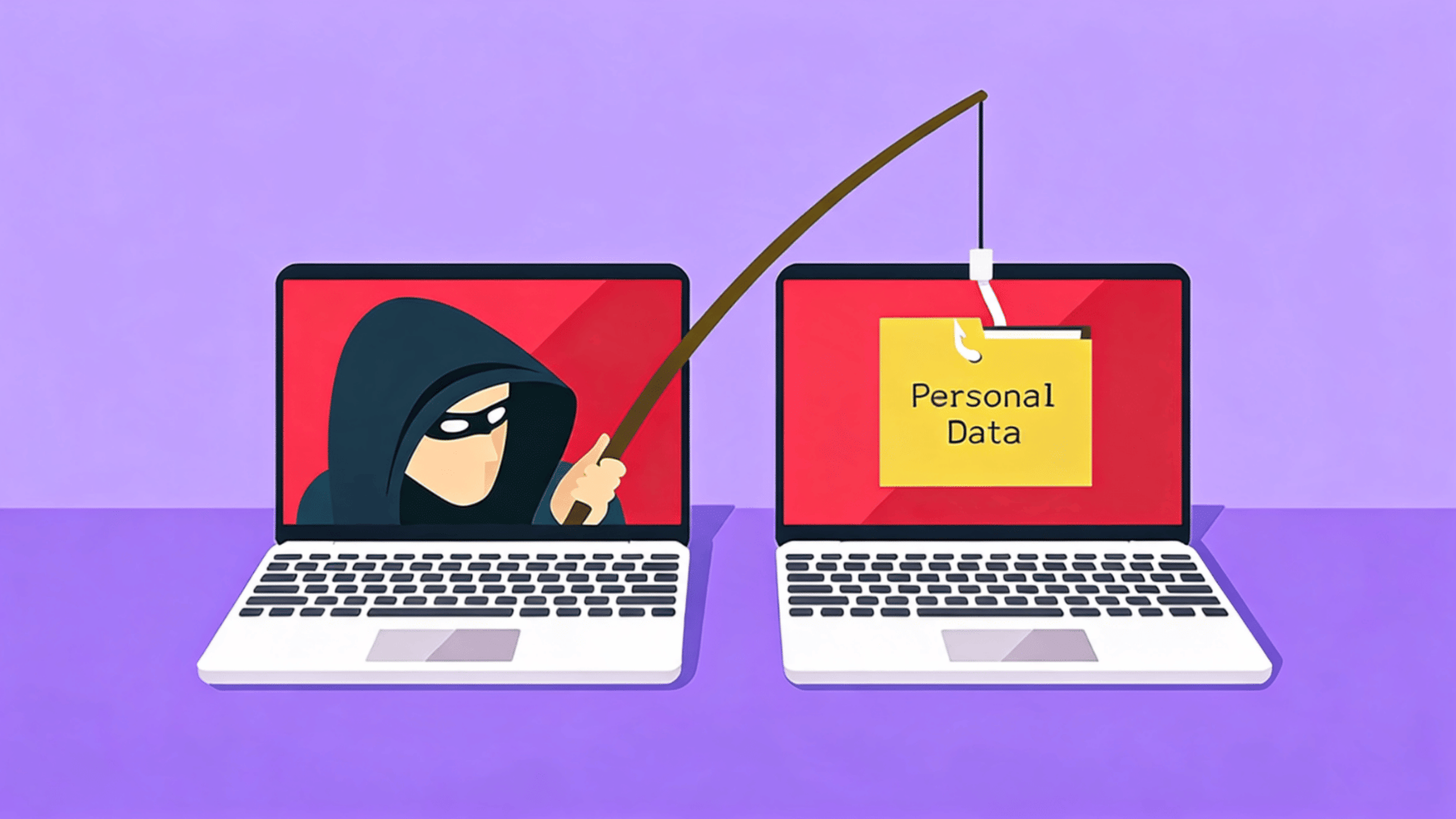
Every phishing attack follows the same basic structure: a fake sender, a convincing message, and a page designed to steal your information.
Knowing how each stage works makes them much easier to spot:
Step 1: The Sender and Impersonation Setup
The attacker picks someone you already trust, usually a bank, a delivery service, or a popular brand.
Using domain spoofing, they create an email address or phone number that looks real at a glance.
The name might say “PayPal Support,” but the actual address behind it is something completely different.
Step 2: The Message and Urgency Tactics
The message has one job: get you to act before you think. It might warn you about a suspended account, a failed payment, or unusual activity.
The urgency is intentional. Most phishing attempts fall apart the moment you slow down and take a closer look.
Step 3: The Fake Destination and Data Collection
Clicking the link takes you to a fake website that looks like the real one. Anything you enter, like passwords or personal details, is captured instantly and sent to the attacker.
The page may even redirect to the real site afterward, making it feel normal.
Opening a phishing email alone does not cause harm. The attack only works if you interact with it.
What Are the Most Common Types of Phishing Attacks?
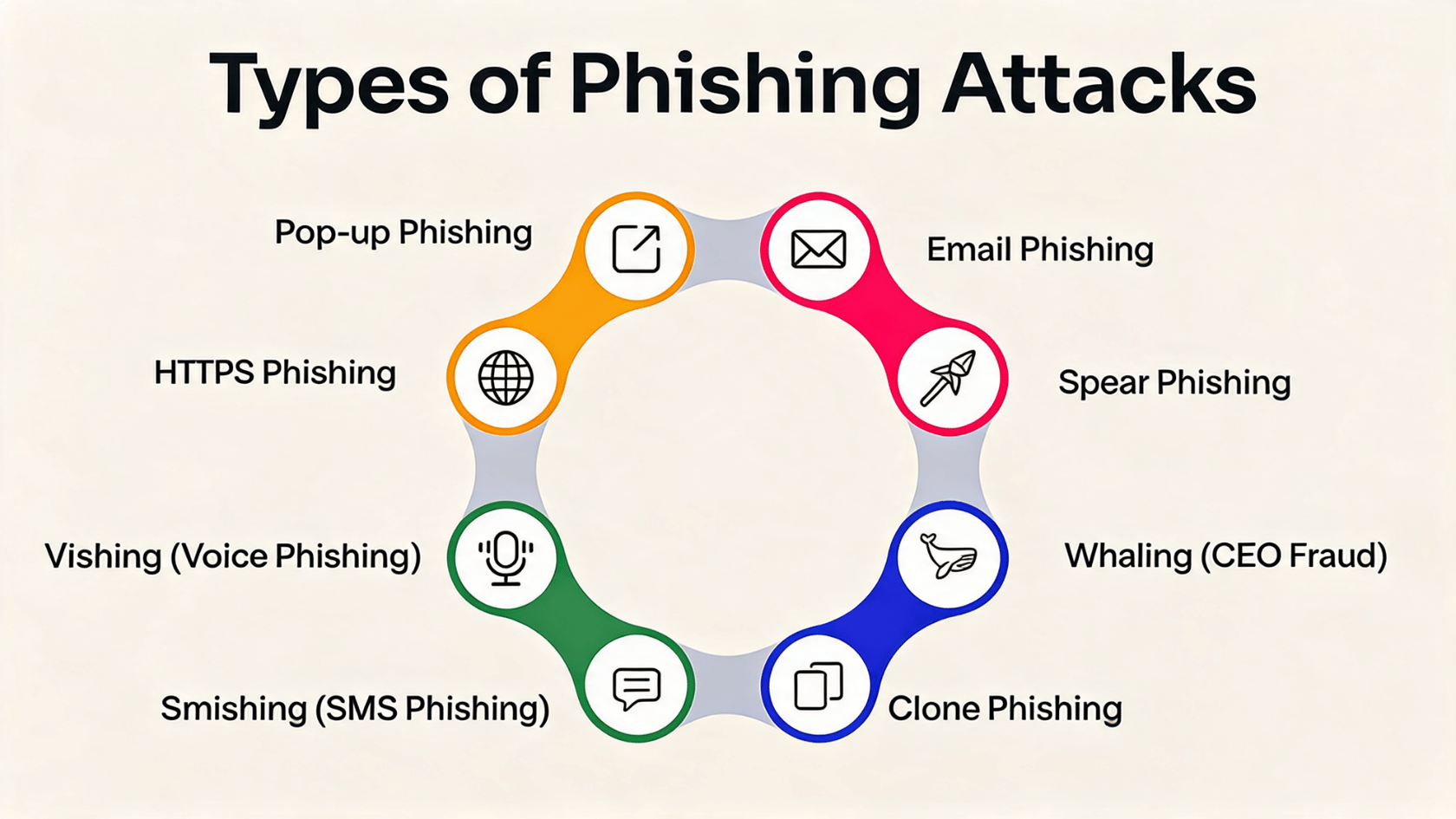
Phishing is not a single method. Attackers use several different approaches depending on who they are targeting and how they want to reach them. These are the types you are most likely to come across.
| Attack Type | How It Works | Example |
|---|---|---|
| Email Phishing | Mass emails impersonating known brands | Fake bank email to verify login |
| Spear Phishing | Targeted attack using personal research | Email referencing your job or manager |
| Smishing | Malicious texts to steal information | Fake delivery text with a suspicious link |
| Vishing | Phone calls impersonating organisations | Caller posing as your bank |
| Business Email Compromise | Impersonates executives to trick employees | Spoofed CFO email requesting urgent transfer |
Knowing which type you are dealing with matters because each one exploits a different kind of trust. The delivery method changes, but the goal is always the same.
How Do You Recognize a Phishing Attempt?
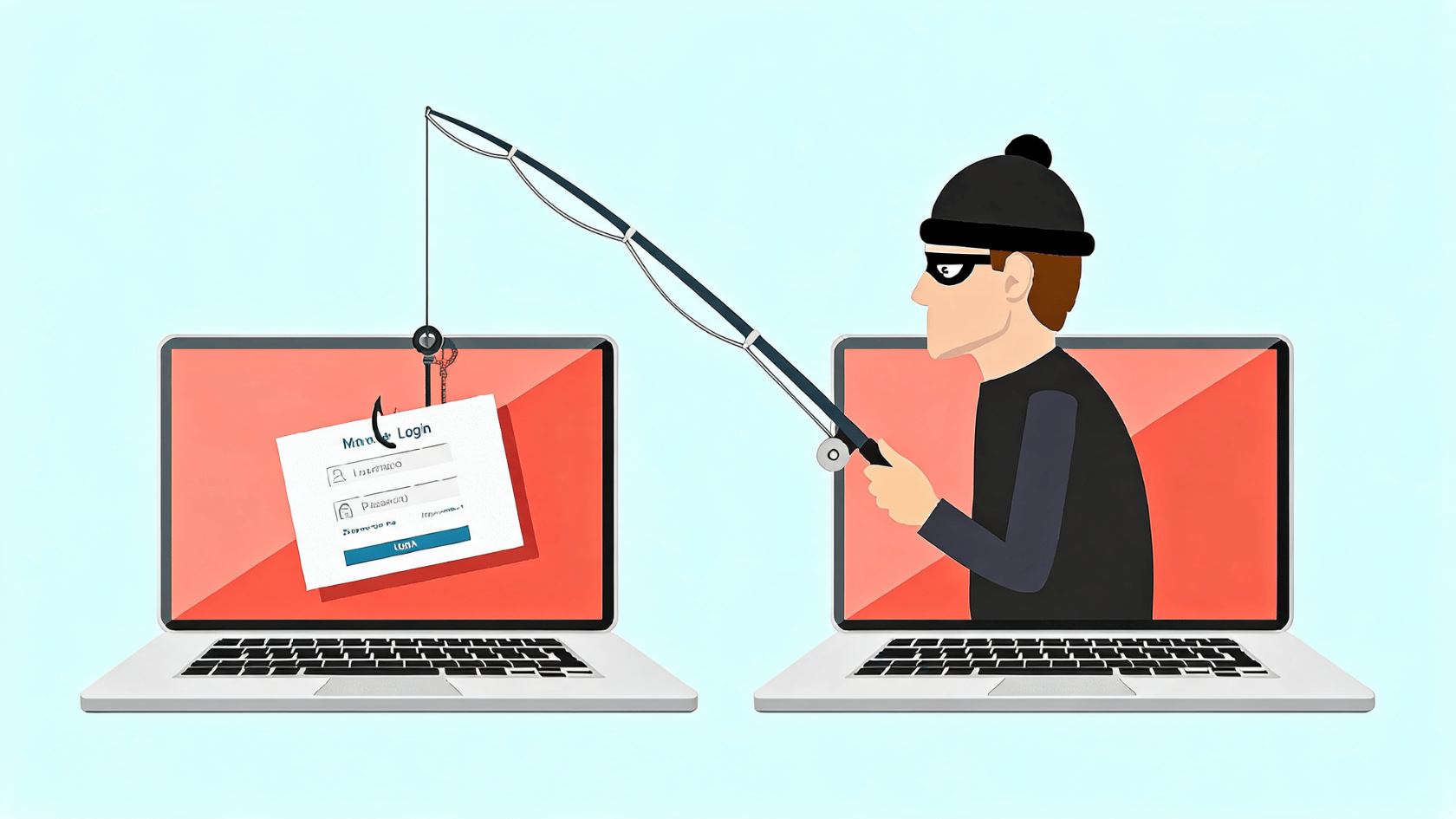
A professional-looking email can still be fake, as phishing uses behavioral tricks rather than appearance, so warning signs in links, language, and sender details matter most.
- Urgent or threatening language: Phishing emails push quick action like “verify immediately” or “account will close.” Real organisations rarely force instant action over email.
- Generic greetings and odd requests: “Dear Customer” instead of your name can be a warning. Be careful with surprise attachments, prize claims, or data requests.
- Mismatched sender and links: Check the full sender email, not just the name. Hover over links to see the real destination before clicking.
- Misspelled domains: Small changes like “paypa1.com” instead of “paypal.com” are common in fake sites.
- Pause before taking action: Most phishing attacks rely on urgency. Taking a moment to verify can prevent mistakes.
Phishing attacks rely on rushed decisions and small mistakes. Careful checking of messages, links, and sender details helps reduce risk and keeps accounts secure.
How to Protect Yourself from Phishing Attacks?
Phishing uses fake emails and links to steal passwords, OTPs, or personal data. Even strong passwords are not safe if entered on fake pages, so verification and MFA are important.
Type website addresses directly, check sender details, avoid email links, and don’t open unknown attachments.
Use multi-factor authentication, antivirus software, and a password manager for stronger protection.
If phishing is suspected, disconnect, change passwords from a safe device, enable MFA, run a scan, and check account activity.
Phishing defense depends on simple habits like MFA, link checks, and safe browsing.
Conclusion
Phishing attacks target users by exploiting simple mistakes instead of system weaknesses. Staying safe depends on awareness, checking sender details, avoiding suspicious links, and using extra login protection.
Understanding phishing helps reduce the risk of fake emails, messages, and websites. Small checks before clicking or entering details can prevent data theft and account loss.
Safe browsing is about consistent habits and quick verification. Stay alert, question unexpected messages, and keep security tools active.
Apply these basic safety steps today to protect your accounts from phishing attacks.
Leave a comment below to share your questions or thoughts.
Frequently Asked Questions.
Can Phishing Attacks Target Mobile Apps as Well?
Yes, Phishing Can Appear Inside Mobile Apps Through Fake Login Screens or Cloned Apps. These Are Designed to Steal Credentials when Users Sign In.
Is Public Wi-Fi Linked to Higher Phishing Risk?
Public Wi-Fi Can Increase Risk if Attackers Create Fake Networks or Intercept Traffic. Always Avoid Entering Sensitive Details on Unsecured Connections.
What Should I Do if I Accidentally Clicked a Phishing Link?
Disconnect immediately, change passwords from a safe device, and enable MFA. Also, check account activity for any unusual access.