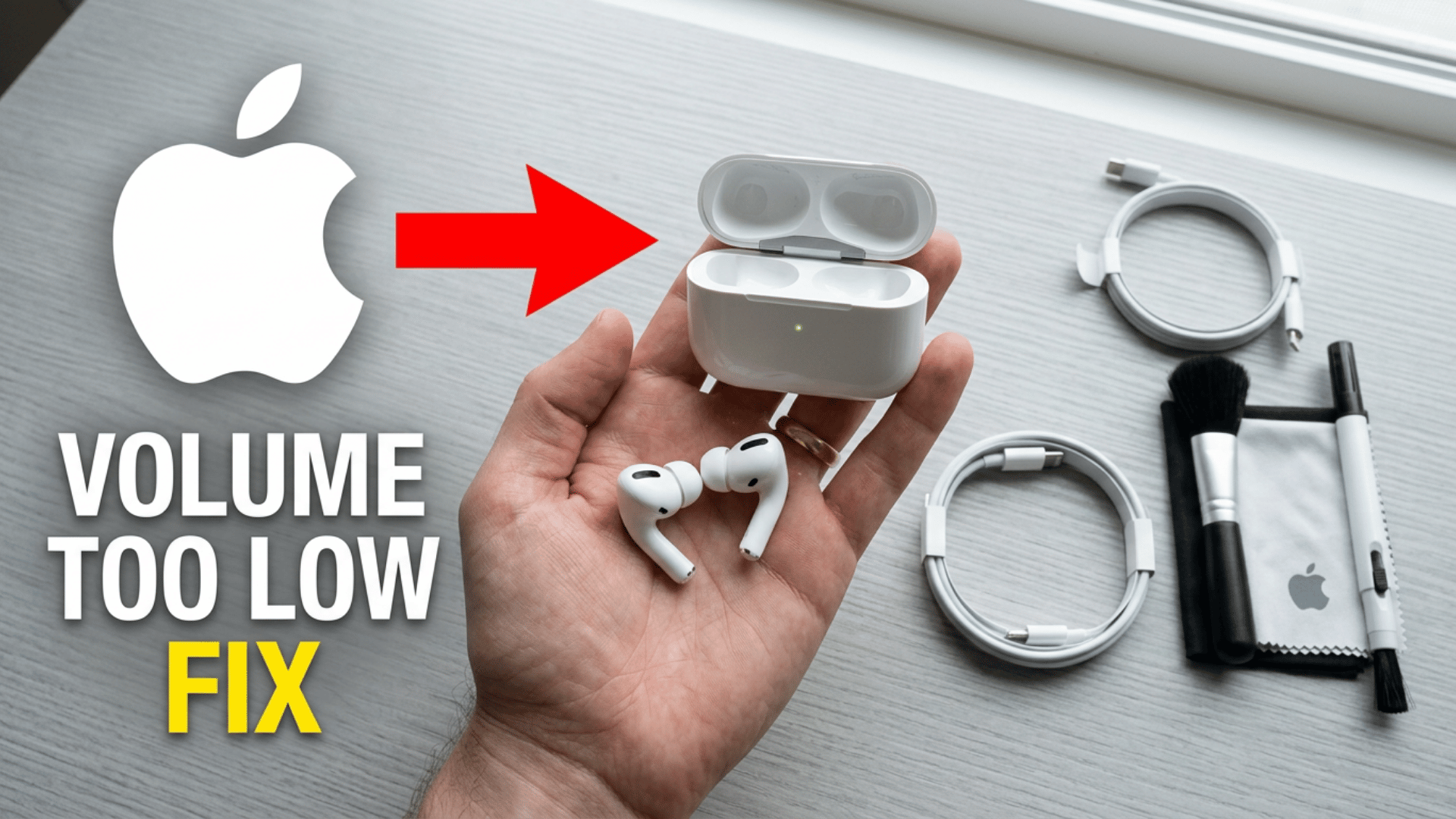
If your AirPods sound low even when the volume is maxed out, you’re not imagining it. The problem is more common than most people realize, and it almost never comes from just one thing.
A combination of physical blockage, hidden iOS restrictions, weak Bluetooth signals, and battery behavior can all pile on at the same time, each one quietly shaving off a little more output until the audio feels noticeably thin.
This guide walks you through every layer of the problem, from what’s actually happening to your audio to which settings are silently capping your volume to when it’s time to consider a hardware issue.
Start from the top, and by the time you reach the fix section, you’ll already know exactly which cause applies to you.
Why Does “AirPods Sound Low” Actually Mean?
AirPods sound low means the audio feels quieter or less clear than expected, even at full volume.
It can appear as reduced loudness, muffled sound, or an imbalance between the left and right AirPods, often caused by a mix of minor factors such as a blocked speaker mesh, system limitations, Bluetooth issues, or app settings.
In some cases, it’s not actual volume loss but a perception issue caused by poor fit or background noise
What Are the Main Symptoms of Low Air Pods Volume?
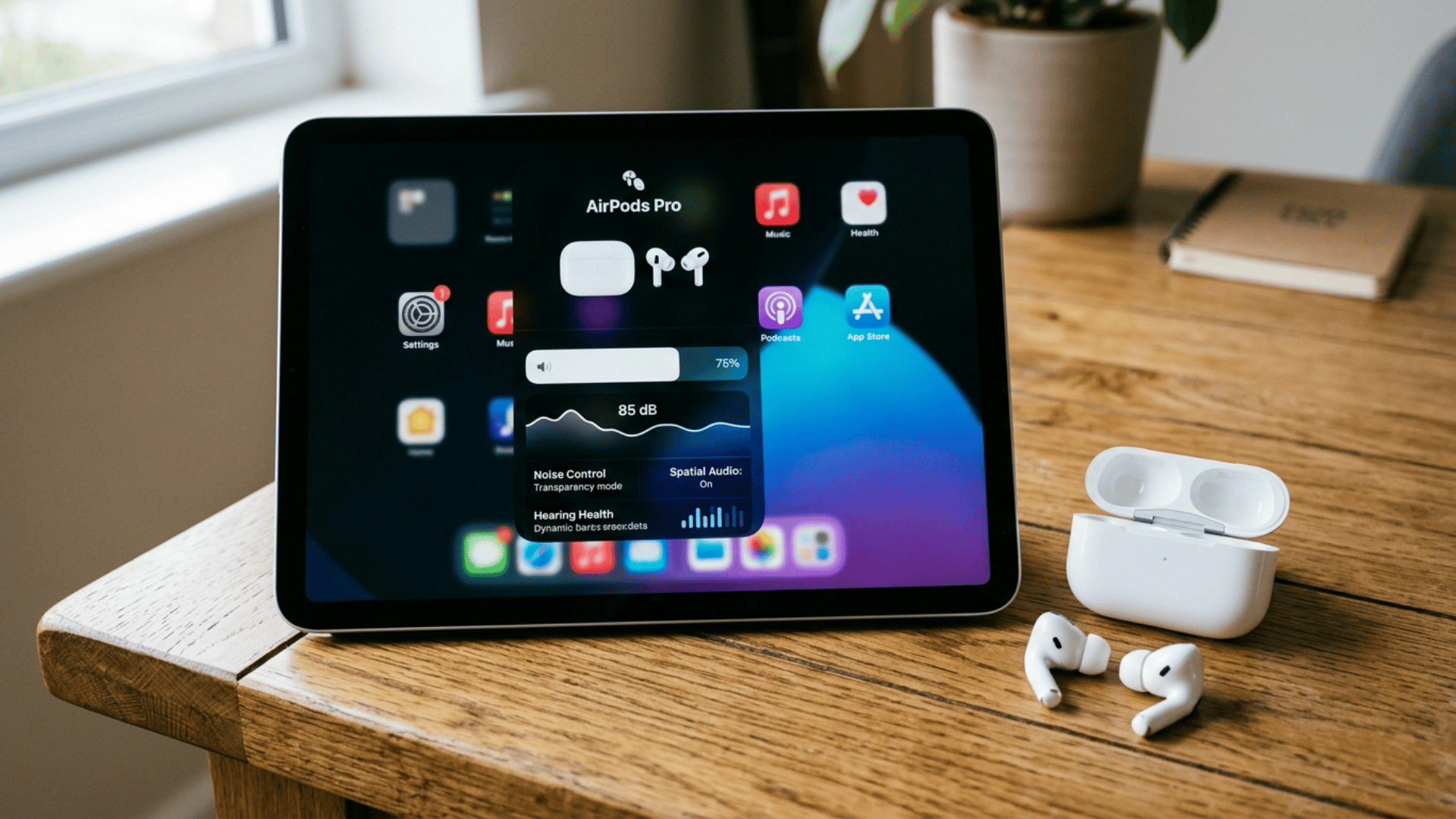
AirPods low volume usually shows up in a few clear patterns that help identify the cause, often pointing to settings, hardware, or connection issues.
Both AirPods sounding quiet even at full volume can suggest system limitations or Bluetooth issues, while uneven sound between the sides is often caused by balance settings or debris on the speaker mesh.
One AirPod Quieter Than the Other
- If one side sounds lower, the first thing to check is the audio balance settings. A slightly off-center slider in Accessibility can reduce the signal to one AirPod.
- This doesn’t mean the AirPod is faulty, it simply receives less audio input. Even a small shift can make one side feel noticeably quieter.
- If the balance is correct, the next cause is uneven earwax buildup on the mesh. One AirPod often collects more debris depending on how it’s worn or stored.
Both AirPods Low Even at Max Volume
- When both AirPods sound equally quiet, the issue is usually caused by iOS software limits. Multiple layers like Headphone Safety, Volume Limit, or Accessibility settings can quietly reduce output.
- Each layer may only lower volume slightly, but together they create a noticeable drop. This is why audio feels weak even when the volume slider is already at maximum.
Sound Fades During Playback
- Intermittent volume drops during playback usually point to Bluetooth instability rather than a settings issue.
- When the connection weakens due to distance or interference, the audio stream becomes unstable.
- This instability can cause sudden dips in volume or brief muffled sound that quickly recovers.
It happens when other wireless signals or devices disrupt the Bluetooth connection.
Why Do AirPods Sound Low Even at Full Volume?
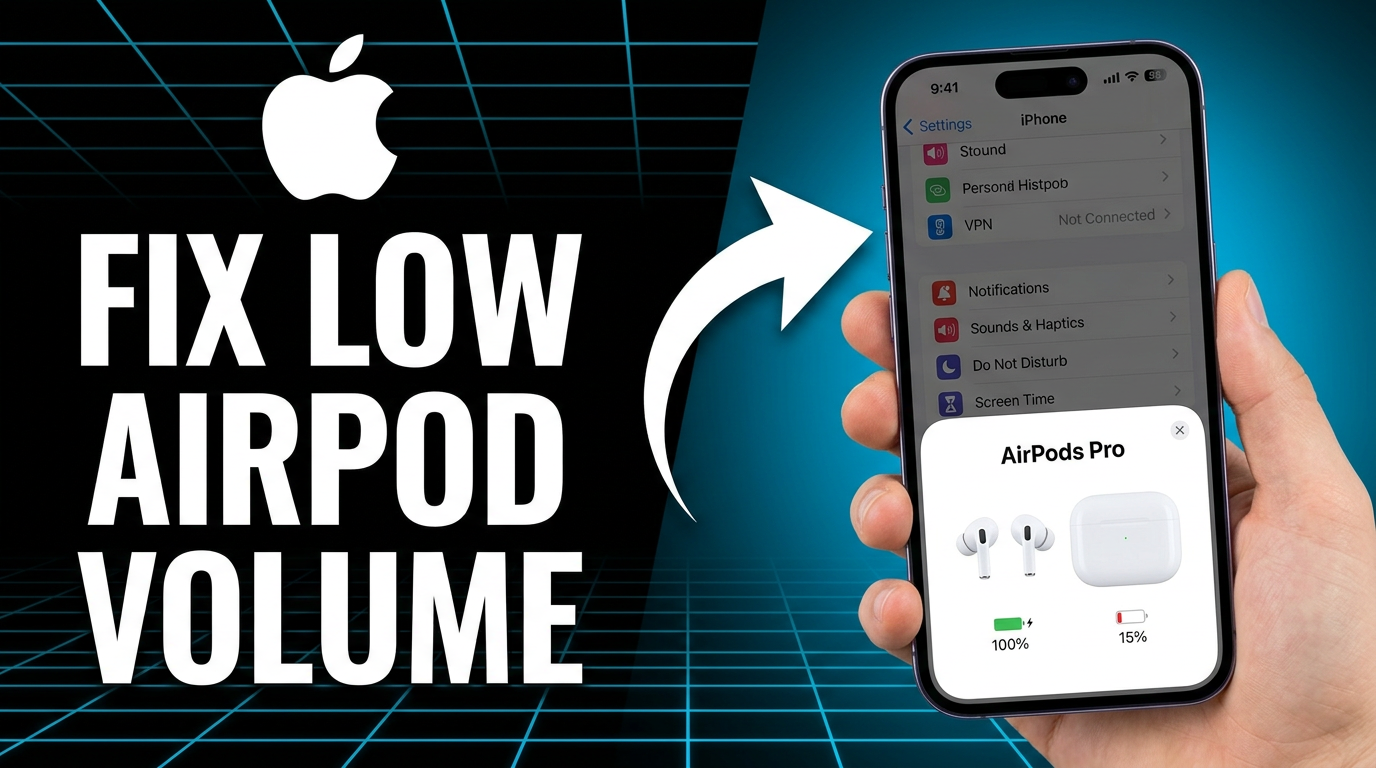
AirPods low volume is usually not caused by one issue but a mix of small factors adding up. A bit of earwax on the mesh, iOS safety limits, uneven balance settings, or Bluetooth compression can each reduce sound slightly.
Individually, these changes feel minor, but together they make AirPods seem much quieter even at full volume.
Earwax and Mesh Blockage Reducing Sound Output
A thin layer of earwax on the AirPods mesh can subtly change how sound passes through the speaker grille. High-frequency sounds are affected first, which reduces clarity and makes audio feel muffled.
Even after cleaning, a barely visible residue can remain and continue to block treble frequencies. This is why the sound may still feel dull or congested even when the AirPods are not visibly dirty.
iOS Safety and Volume Limiting System
AirPods volume is controlled by multiple hidden safety layers that work together to limit output beyond what the device’s volume slider alone can control.
| Component | How it Works | Effect on Volume |
|---|---|---|
| Volume Slider | User-controlled setting on device | Sets preferred loudness level |
| Audio Safety System | Multiple independent safety limits | Caps maximum safe output |
| Restriction Layers | Separate controls that can be active or inactive | Apply additional volume ceilings |
| Final Output to AirPods | Combined result of all controls | Actual loudness is lower than slider suggests |
Bluetooth Compression and Signal Weakening
Bluetooth issues can affect AirPods audio quality in subtle ways, leading to reduced clarity and perceived loudness.
- Weak Bluetooth (distance/interference) forces audio compression
- Compression reduces dynamic range and sound detail
- Audio arrives with lower fidelity, not a lower volume setting
- The brain perceives this as quieter and less full sound
In short, unstable Bluetooth doesn’t lower volume directly but reduces audio quality, making AirPods sound quieter and less full.
Do iPhone Settings Reduce Air Pods Volume?
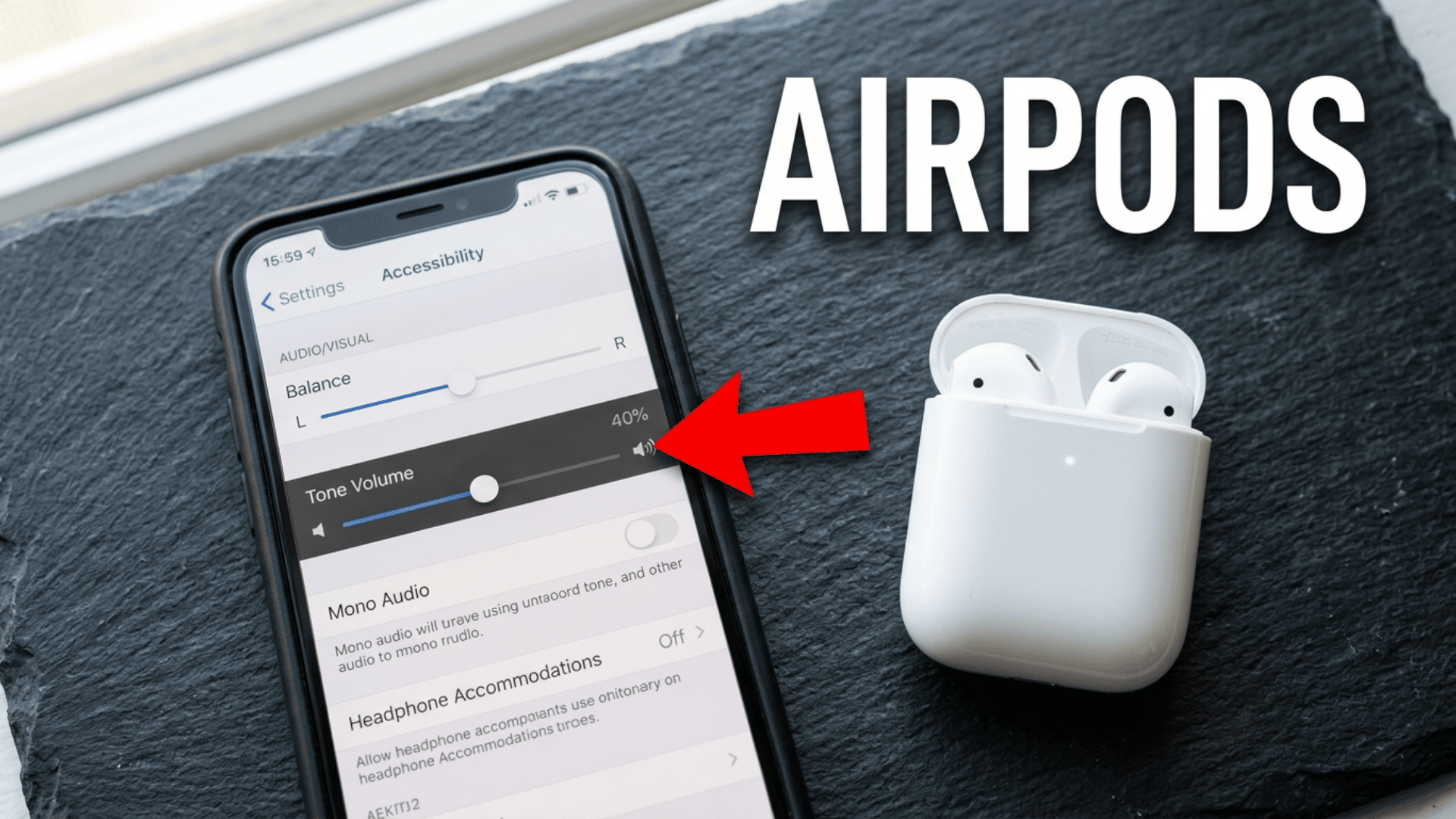
iPhone settings can quietly reduce AirPods volume through multiple independent restrictions that work in the background, often without obvious signs.
- iOS has multiple hidden volume controls that can stack and limit output
- Audio Balance in Accessibility can shift sound to one AirPod, reducing perceived volume
- Headphone Accommodations may alter frequency response and lower loudness
- Headphone Safety (Reduce Loud Sounds) can automatically cap the maximum volume based on
- listening history
- Apple Music Volume Limit can restrict output only within the Music app
- These controls work independently, but together can significantly reduce overall volume
If AirPods seem quiet, checking iPhone settings is essential since multiple small restrictions can combine to lower perceived volume without changing the main volume slider.
Can Dirt or Blocked Speaker Mesh Make AirPods Quieter?
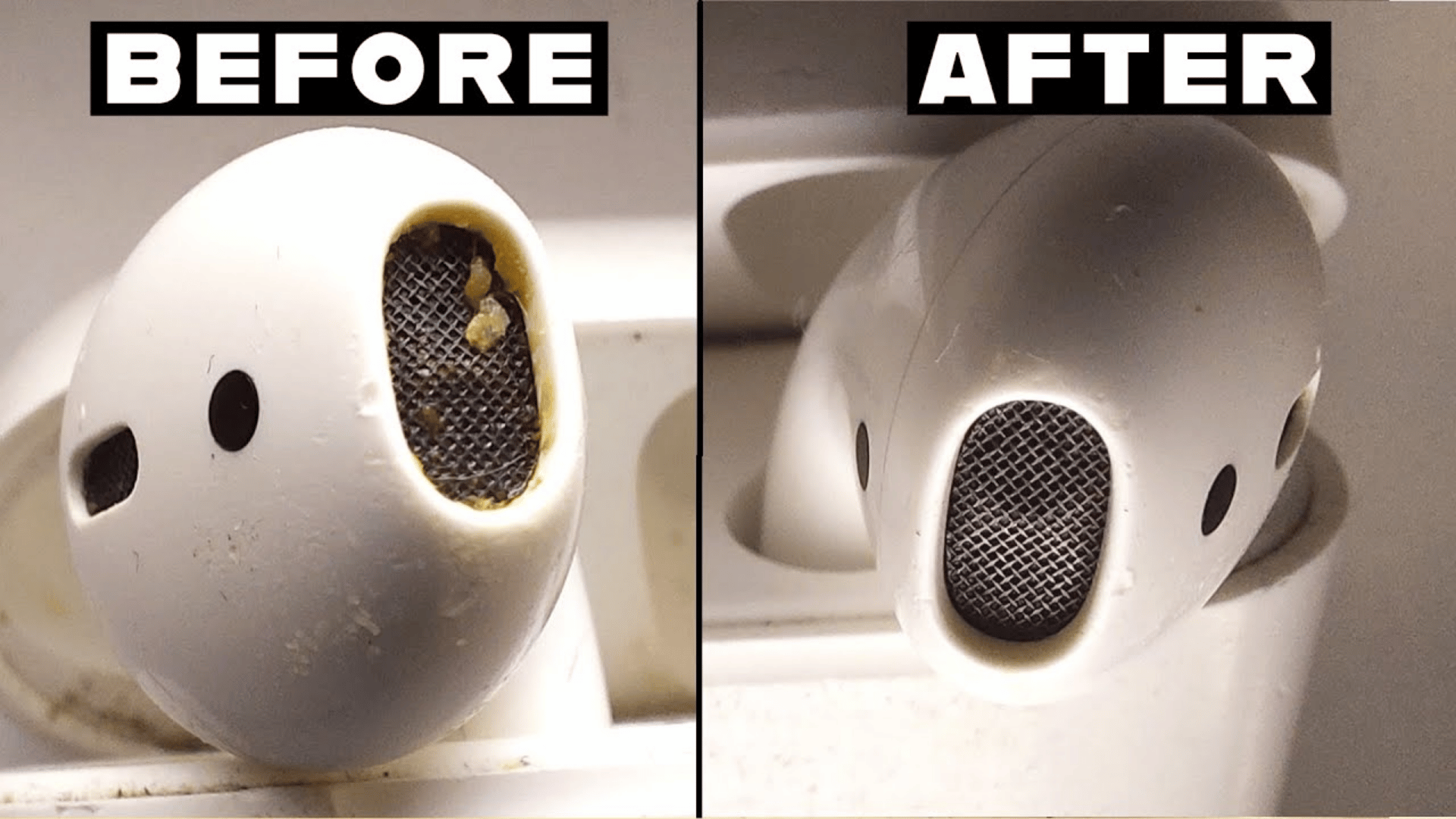
Earwax and dust gradually build up as a thin film on the AirPods speaker mesh, especially in recessed areas, and over time, this slowly reduces sound output.
Since the mesh acts like a filter, even partial coating blocks high frequencies first, making the audio sound muffled and less clear before any obvious drop in volume.
Full blockage is rare, but partial buildup often makes vocals and details sound flat, while mid and bass tones remain mostly unaffected.
Gentle dry cleaning can help remove surface debris, but pushing it deeper or using liquids can worsen the issue and potentially damage the internal speaker.
How to Fix Air Pods That Sound Low?
AirPods that sound low can usually be fixed by checking simple settings first, then cleaning and resetting if needed.
- Volume and Balance Check: Confirm the device volume is fully up while audio is playing and center the Balance slider in Settings > Accessibility > Audio/Visual.
- Battery and Power Settings: Ensure both AirPods are fully charged, and turn off Low Power Mode if enabled.
- Audio Safety and Limits: Disable Reduce Loud Sounds in Headphone Safety and set Volume Limit to maximum in Apple Music settings.
- Screen Time Restrictions: Check Screen Time settings to make sure no hidden audio limits are active.
- Cleaning the Speaker Mesh: Gently clean the mesh with a soft, dry brush to remove surface buildup without pushing debris inside.
- Fit and Seal Check: For AirPods Pro, run the Ear Tip Fit Test and try a different tip size if the seal is weak.
- Reset and Reconnect: Forget the AirPods in Bluetooth settings, reset them using the case button, and re-pair to refresh the connection.
Low-volume AirPods are usually due to a low volume setting, a fit issue, or a connection glitch rather than permanent damage, and working through these steps typically restores normal volume.
Conclusion
If your AirPods sound low, the issue is usually caused by a mix of small factors like settings, buildup, or connection glitches rather than a single fault.
Most of these problems are easy to fix once identified, and restoring full volume often comes down to simple adjustments like checking audio limits, cleaning the mesh, or resetting the connection.
By following the right steps, you can quickly restore a clearer, fuller sound without replacing your AirPods.
Try the step-by-step fixes above today and restore your AirPods to full volume in minutes. Leave a comment below if you’ve faced this issue or found a different fix that worked for you.
Frequently Asked Questions
Can Air Pods Exacerbate Tinnitus?
Air Pods do Not Cause Tinnitus Directly, but Listening at High Volumes for Long Periods can Increase Ear Strain and Discomfort. It’s Best to Keep Volume Moderate and take Regular Breaks to Protect Hearing Health.
How Often Should I Clean Air Pods Speaker Mesh?
Cleaning Once Every 1–2 Weeks Helps Prevent Dust and Earwax Buildup that can Reduce Sound Quality. Regular Gentle Cleaning Keeps Audio Clear and Helps Avoid Gradual Volume Loss.
Why Does Air Pods Volume Vary Between Apps or Videos?
Different Apps Use Different Audio Compression and Volume Normalization Settings, Which Affects Loudness Levels. Streaming platforms or videos may sound louder or quieter even at the same device volume.