
You check someone’s profile and wonder if they check yours too. It is a feeling almost every Instagram user has had at some point.
The question of how to see who viewed your Instagram profile comes up constantly, and the answers online are often misleading or flat-out wrong.
Some apps promise results but put your account at real risk. Some tips sound logical, but have no basis in how Instagram actually works.
Here you will learn what Instagram truly allows, what signals are worth paying attention to, and how to stay safe while looking for answers.
Is There a Profile Views Feature on Instagram?
Instagram does not offer any feature that shows who viewed your profile. There is no list, no hidden log, and no setting inside the app that reveals individual profile visitors on any account type.
Professional accounts can access limited analytics, such as total profile visits, reach, and impressions. However, none of these show individual visitor names or identities in any form.
Third-party apps that claim to show profile visitors are unreliable. Instagram does not share visitor data with third-party tools, so any app that makes this promise is not providing you with real information.
Why Instagram Does Not Show Profile Viewers?
Instagram protects user activity data as part of its core privacy design. Profile visits are treated as private actions, meaning no one can see when another person checks their account.
Showing viewer lists could easily lead to misuse, unwanted tracking, or harassment between users. Instagram deliberately chose to keep this data hidden to maintain a safer experience for everyone on the platform.
The platform focuses on engagement metrics such as likes, comments, and shares rather than visitor identity. This limitation is not a missing feature but an intentional decision that has always been part of how Instagram operates.
What Instagram Actually Shows Instead of Profile Views?
Instagram does offer a few signals that can hint at who may be interested in your content. These are not visitor logs, but they are the only real data the platform shares with users.
1. Story Viewers

When you post a story, you can see the exact usernames of everyone who watched it while it is active. But this data disappears permanently once the story expires after 24 hours. It is the closest available signal for knowing who is actively paying attention to your profile.
2. Reel and Post Engagement
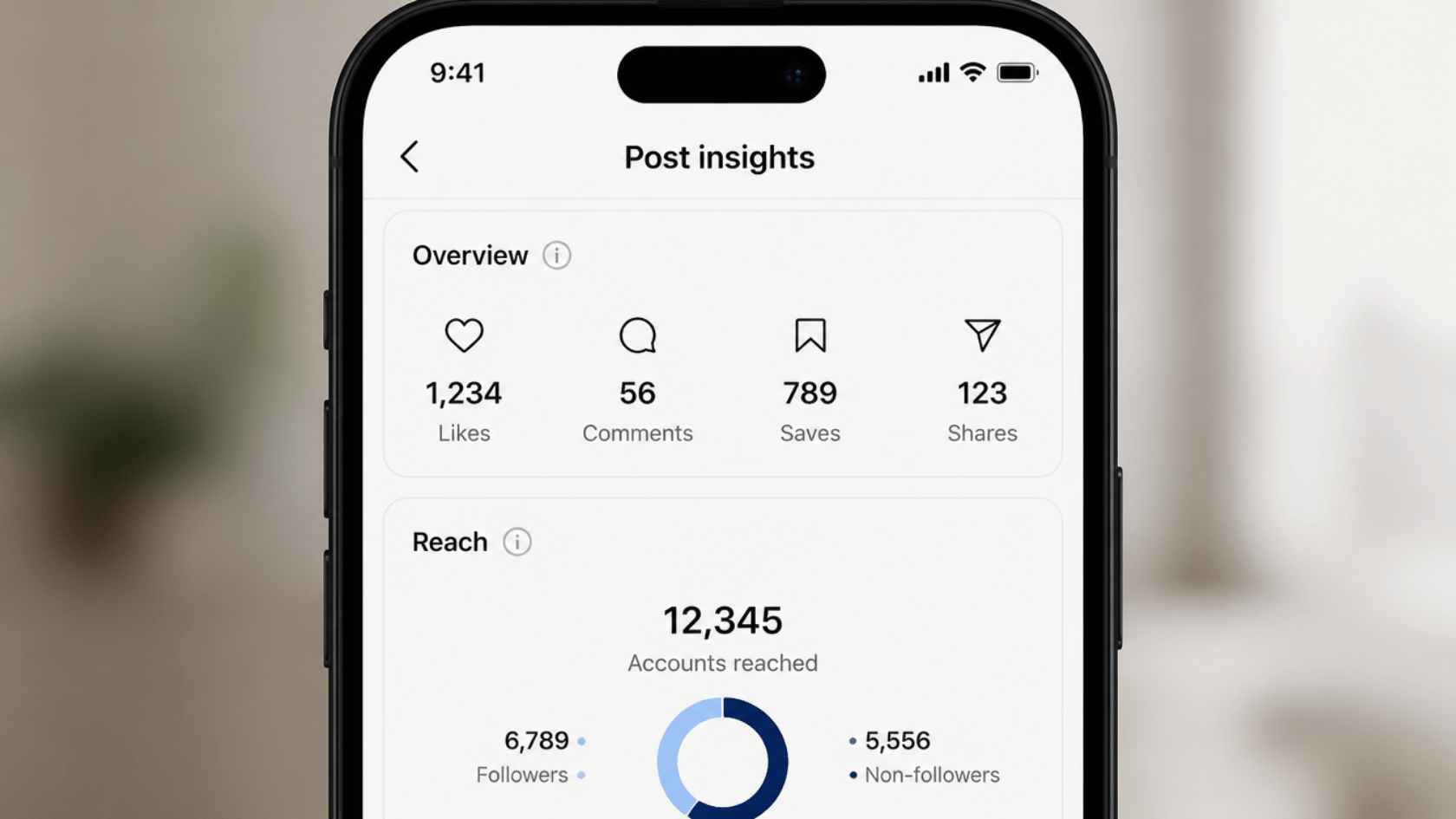
Instagram shows likes, comments, saves, and shares on your posts, but none of these include silent profile visits. Anyone who visits your profile without taking any action leaves no trace in your engagement data at all.
3. Profile Insights for Professional Accounts
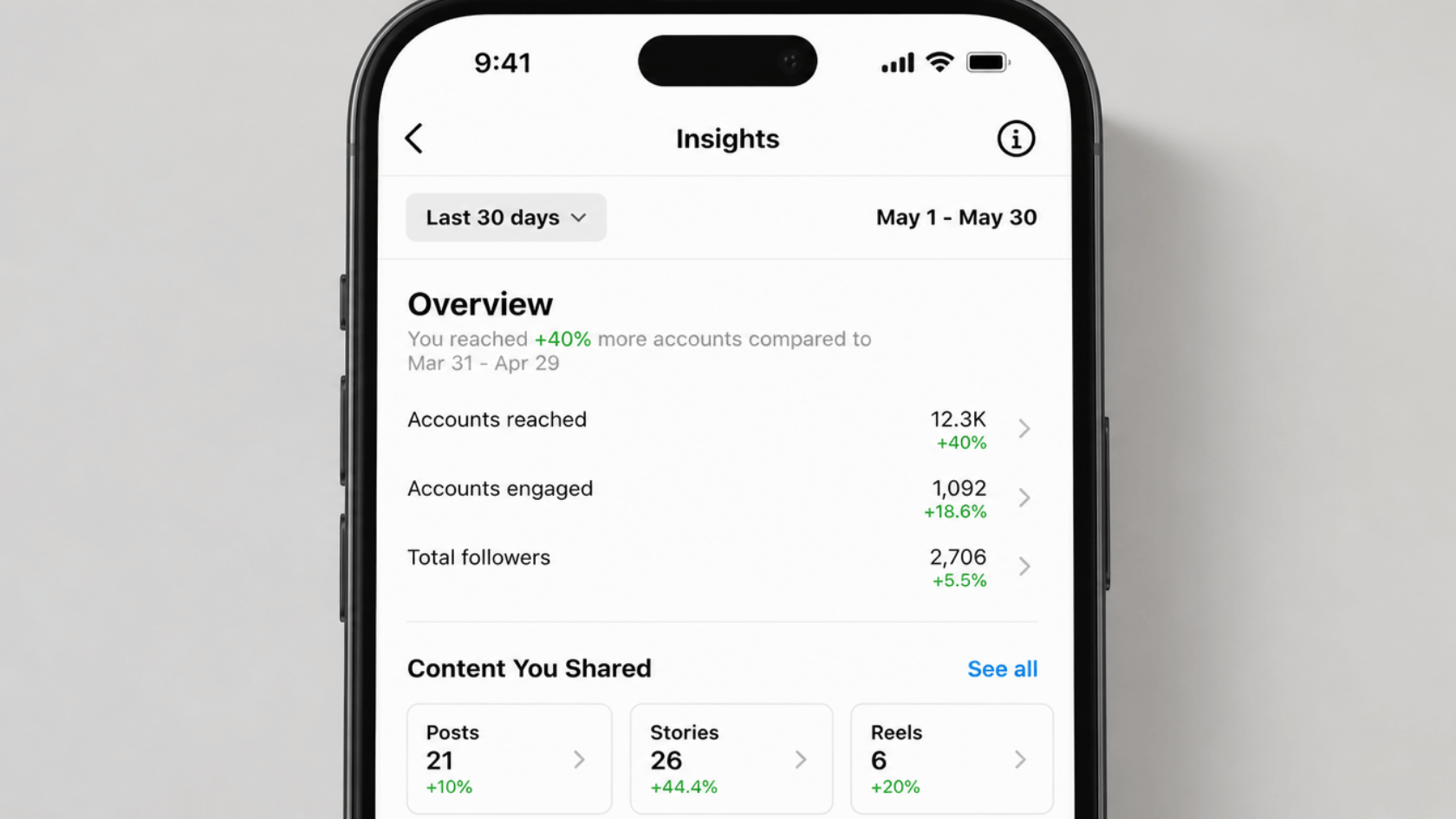
Business and creator accounts can access total profile visits, reach, and impressions over a selected time range. However, there is no breakdown of individual visitors anywhere in these insights. You can see that people visited your profile, but Instagram never shows you exactly who they are.
Can Third-Party Apps Show Who Viewed Your Profile
No external app has access to Instagram visitor logs. Instagram does not share this data with any outside service, so any app claiming to show profile visitors is not giving you real information.
Most of these apps rely on fake or randomly guessed usernames to make results look real. Many also request your Instagram login credentials, which can lead to account compromise or spam activity.
No result from any third-party tool is worth putting your account at that level of risk.
How to Identify Profile Interest Without a Viewer List?
Even without a direct viewer list, certain signals can show when someone is regularly engaging with your content. These are based on real platform activity you can track inside the app.
- Frequent Story Viewers: People who watch your stories regularly are often the same ones checking your profile the most.
- Regular Post Engagement: Consistent likes or comments from the same accounts is a clear sign of ongoing interest.
- Profile Visit Spikes: Professional accounts can spot sudden increases in profile visits through Instagram insights.
- Direct Messages from Unknown Users: Messages from accounts you do not follow can indicate someone has been spending time on your profile.
These signals are not perfect, but they work within what Instagram allows its users to see. Tracking these patterns gives a reasonable sense of who finds your profile worth visiting.
Common Misconceptions About Instagram Profile Views
A lot of false information exists about how Instagram tracks profile activity. Clearing up these myths helps users make safer and more informed decisions.
- Refreshing or visiting someone’s profile does not send them a notification.
- Viewing a profile is not tracked publicly and leaves no alert on the other person’s end.
- Blocking or restricting an account does not reveal any past profile viewers.
- No hidden Instagram feature shows stalkers or past visitors on any account type.
Knowing what Instagram actually tracks and what it does not helps you use the platform with more confidence.
Safety Tips When Searching for Profile Viewer Tools
Many apps and websites that claim to show profile visitors can put your account at serious risk.
| What to Avoid | What to Do Instead |
|---|---|
| Apps asking for your Instagram login details | Use only official Instagram features |
| Browser extensions claiming viewer lists | Check the official Instagram Help Center |
| Unverified websites promising visitor data | Report any suspicious app immediately |
Enabling two-factor authentication through your Instagram settings is a simple way to keep your account secure.
Conclusion
The truth about how to see who viewed your Instagram profile is simple. Instagram does not show this data, and no outside tool can change that.
What the platform does offer, like story viewers, post engagement, and professional insights, is enough to give you a general sense of who is interested in your content.
Focus on what is real and available rather than chasing features that do not exist. Staying away from third-party apps keeps your account safe and your data protected.
Have questions about Instagram features? Drop them in the comments below.
Frequently Asked Questions
Can You See Who Viewed Your Instagram Highlights?
No. Unlike active stories, Instagram does not show viewer data for Highlights. Once a story is saved as a Highlight, the viewer list from its active 24-hour window is no longer accessible.
Can You See Who Viewed Your Instagram Reels?
You can see the total play count on your Reels, but Instagram does not show the individual usernames of people who watched them.
Can You See Who Saved Your Instagram Posts?
No. Instagram shows the total number of saves on a post for professional accounts, but it does not reveal which specific users saved your content.