Many smartwatch users face issues like weak GPS, short battery life, and devices not built for outdoor use. Apple Watch Ultra 2 features address these problems with stronger performance and reliable tracking.
Here you will learn about its design, display, health tools, safety features, and connectivity in simple terms to understand real use value.
By the end, you will see how the Apple Watch Ultra 2’s features perform in daily life, during workouts, and while traveling, helping you decide whether it suits your needs.
Apple Watch Ultra 2 Size & Design Specs
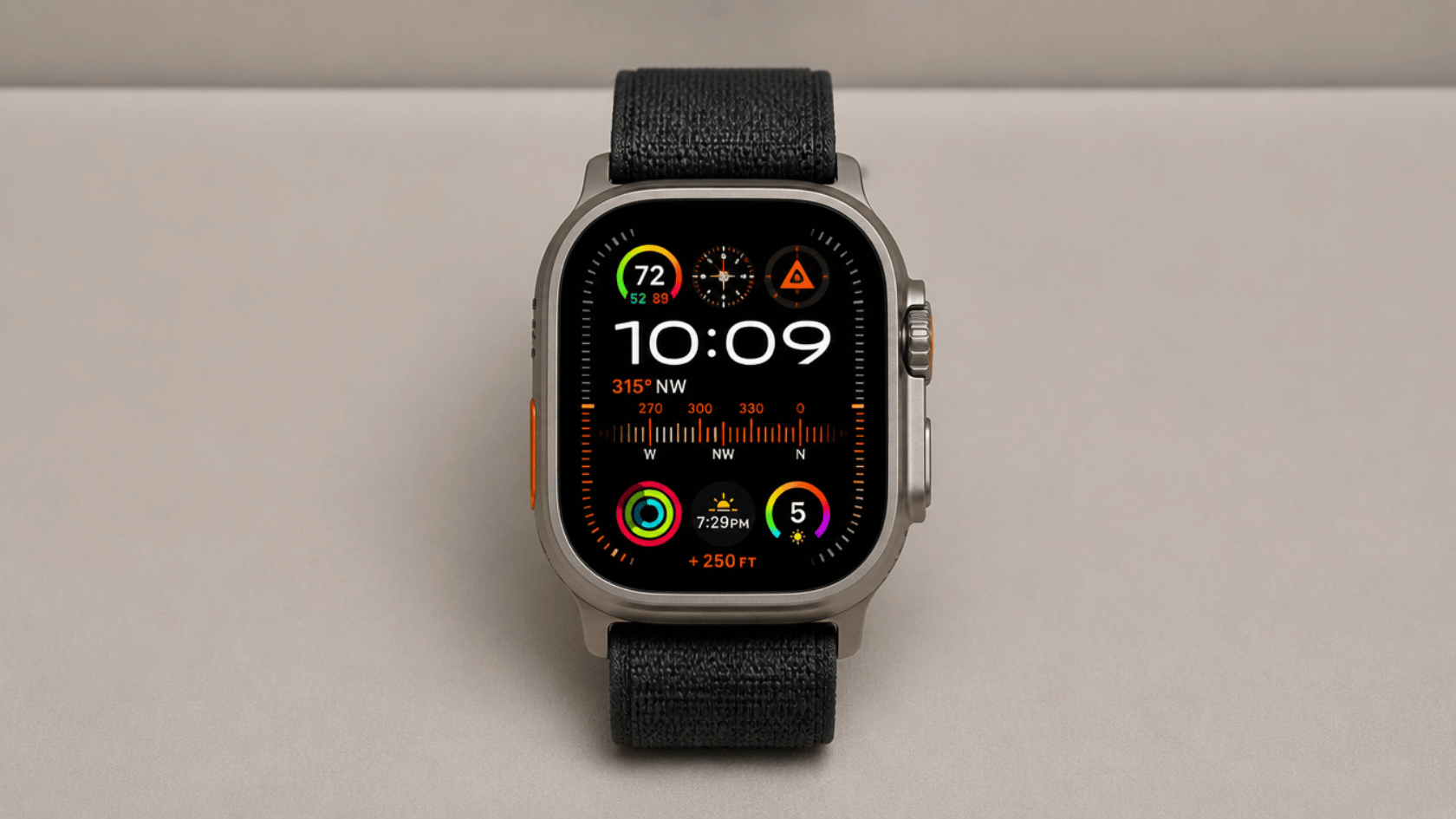
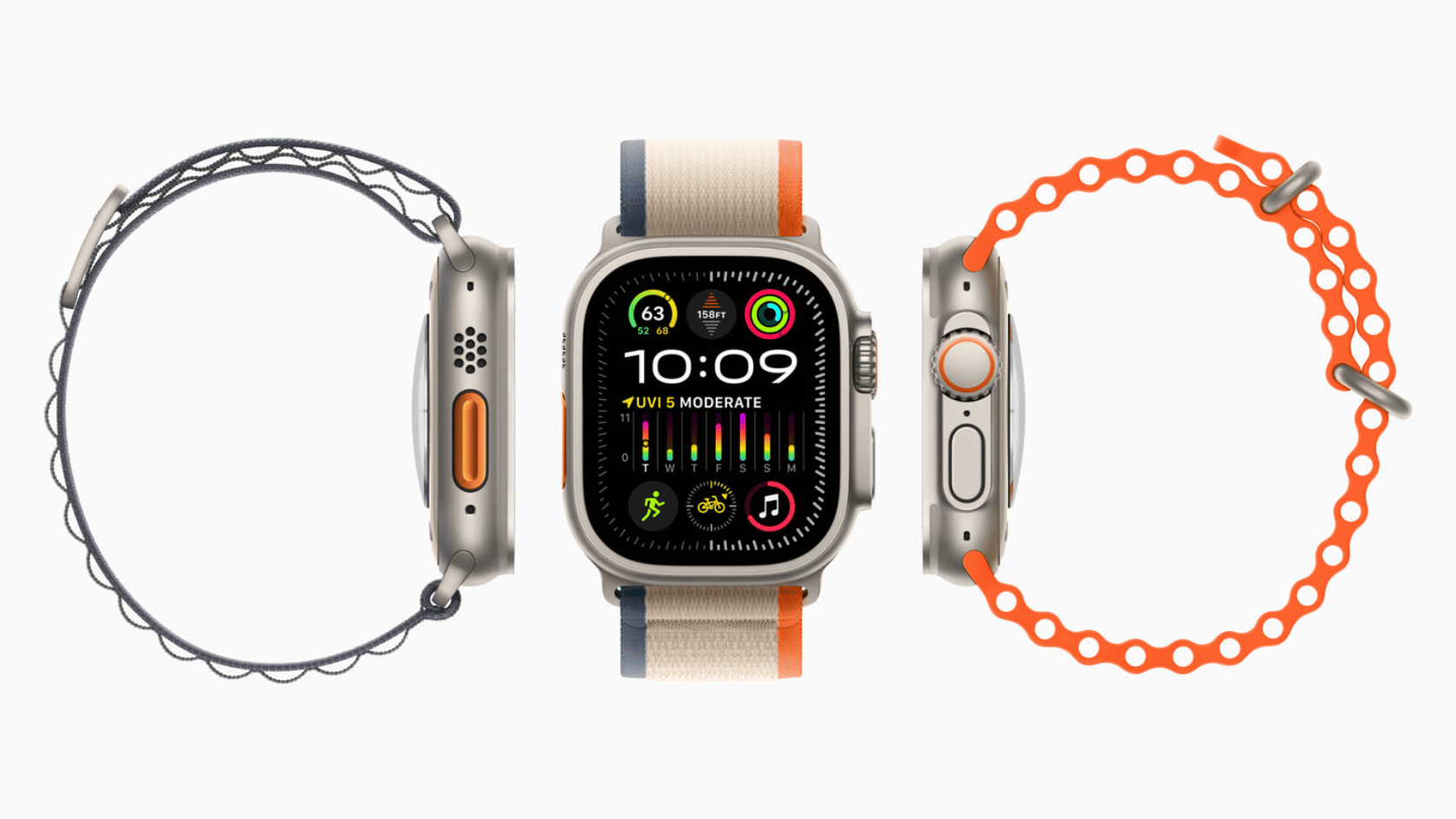
The 49mm aerospace-grade titanium case is the first thing you notice. It is bigger, thicker, and more solid than any standard Apple Watch model out there.
The case comes in two finishes:
- Natural Titanium: A warm silver tone for everyday use
- Satin Black: A darker, rugged finish for a low-key look
The flat sapphire crystal display sits behind a raised edge that acts as a natural screen guard, adding real protection against direct hits and drops.
One thing to keep in mind is that this watch is not for smaller wrists. If you prefer something slim and light, this is not the right fit.
Display & Brightness
Source: Apple
The display peaks at 3,000 nits, which is 50% brighter than the Ultra1. Reading the screen in direct sunlight or on a bright, snowy trail is no longer a problem.
Brightness can also drop as low as 1 nit with Night Mode. This keeps the screen comfortable in dark settings without disturbing your vision during night runs or camping.
The 326 pixels-per-inch resolution keeps all text, maps, and health data sharp and easy to read at a glance.
Night Mode shifts the display to red tones at minimum brightness, which protects your night vision in dark environments.
Battery Life
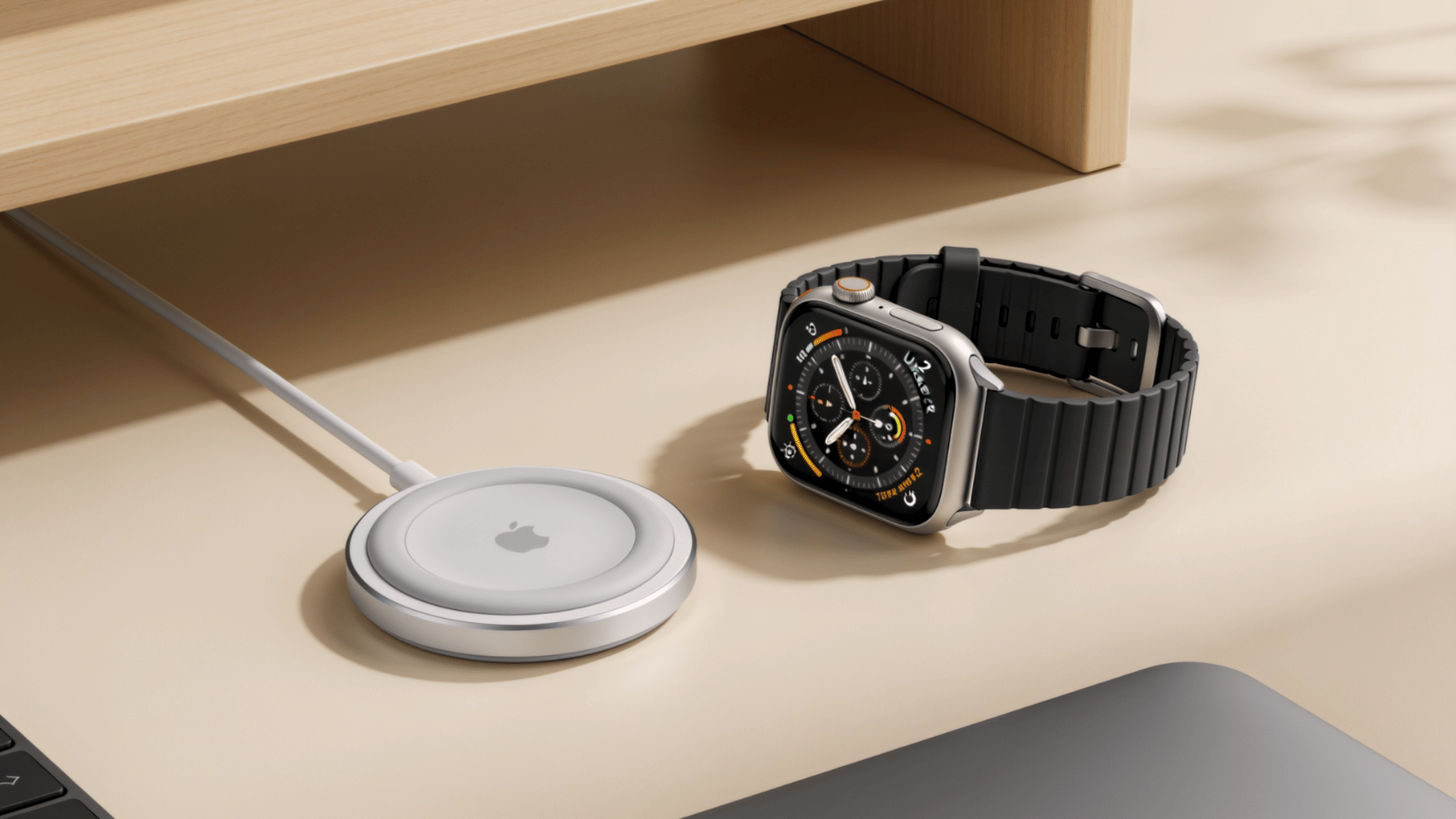
Most smartwatches need a nightly charge to keep up. The Ultra 2 skips that problem entirely with battery life that actually lasts.
| Mode | Battery Life |
|---|---|
| Standard Use | Up to 36 hours |
| Low Power Mode | Up to 72 hours |
For comparison, the Series 10 lasts around 18 hours on standard use. The Ultra 2 roughly doubles that, which is a significant difference for heavy users.
Charging is handled through magnetic fast charging. A quick 15-minute charge gives you enough battery to get through the rest of your day.
Health & Fitness Tracking Features
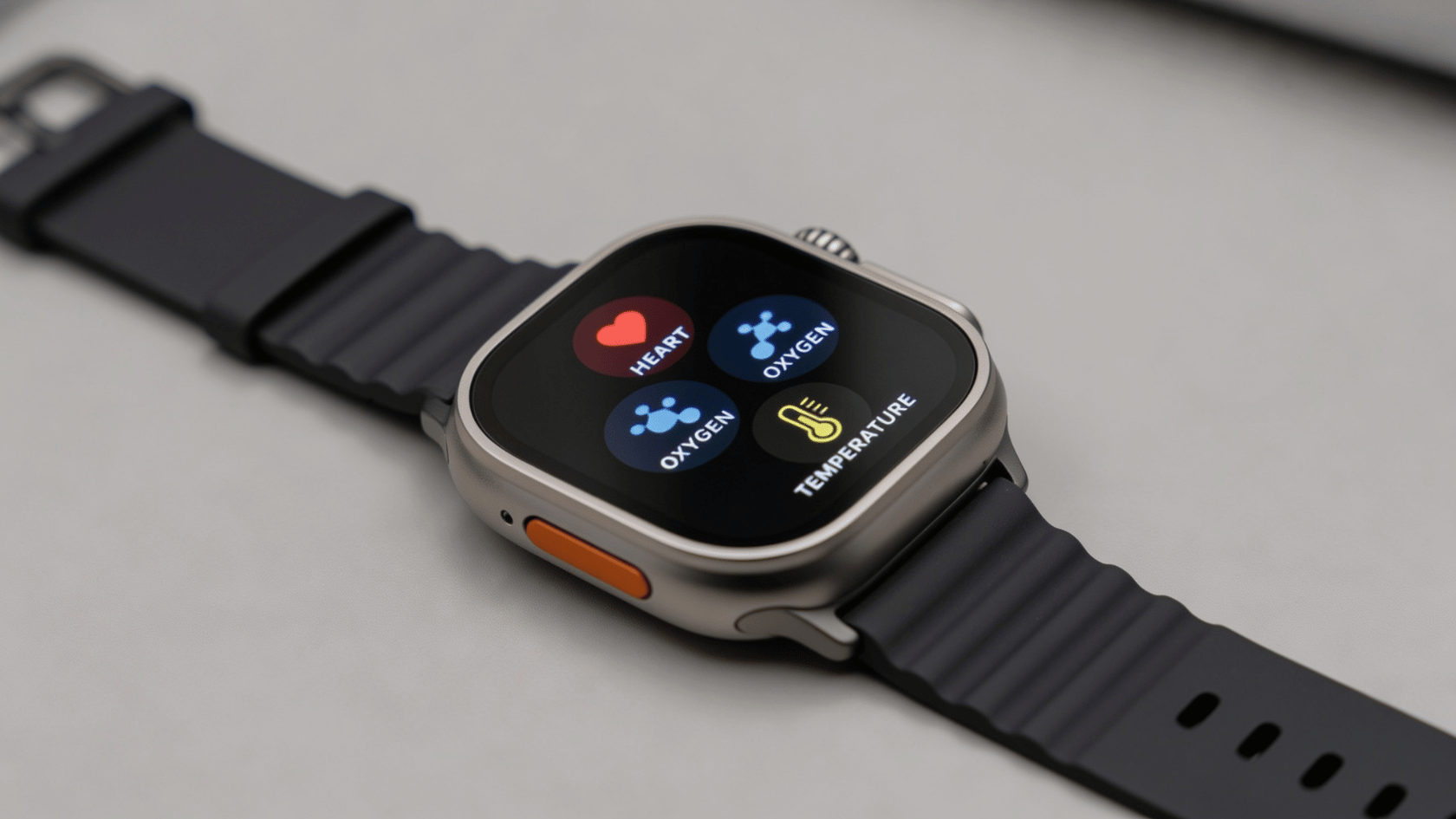
The Apple Watch Ultra 2 features six built-in health sensors that track your body’s activity and resting state.
- ECG App and Electrical Heart Sensor: Reads your heart’s electrical activity and flags irregular rhythms worth discussing with a doctor.
- Blood Oxygen Sensor: Measures blood oxygen levels and can indicate breathing issues or poor post-training recovery.
- Temperature Sensing System: Tracks small overnight wrist-temperature changes associated with illness, recovery, or cycle tracking.
- Sleep Apnea Detection: Monitors breathing disturbances while you sleep and sends a notification if patterns suggest sleep apnea.
- Vitals App: Shows a morning summary of heart rate, wrist temperature, and respiratory rate in one place.
- Fall and Crash Detection: Fall detection triggers after a hard fall, and crash detection can automatically call emergency services after a severe vehicle impact.
Together, these sensors give you a clear picture of your health without needing any extra devices.
GPS & Navigation Features
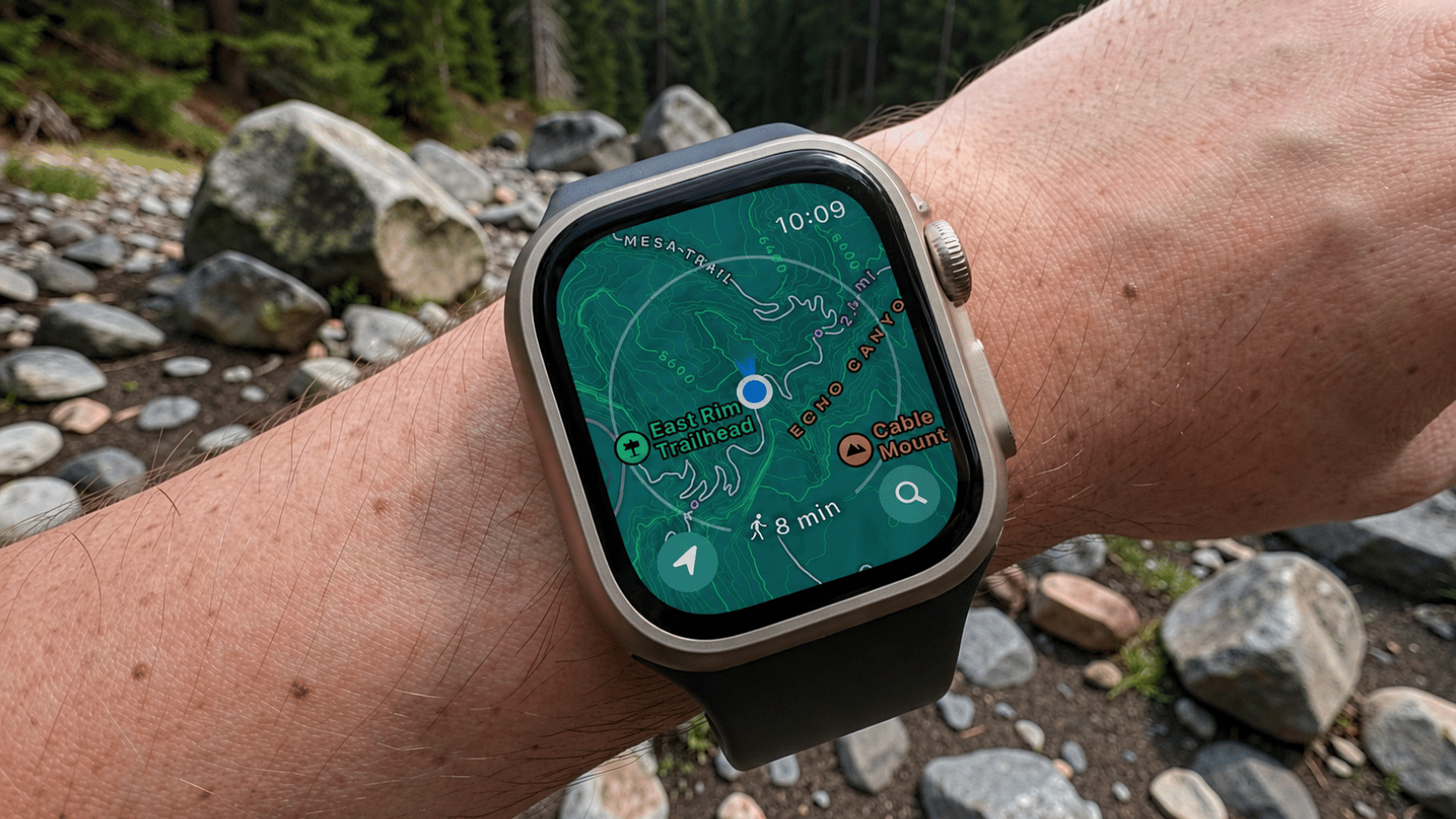
Apple Watch Ultra 2 features include strong GPS tools for accurate tracking in cities, trails, and remote areas during movement-based use.
Key GPS functions:
- Precision Dual-Frequency GPS (L1 + L5)
- Stable tracking in cities and rugged terrain
- Topographic map support
- Backtrack route retracing
- Compass with waypoint marking via Action Button
Apple Watch Ultra 2 features keep location tracking steady and reliable, even in areas where signals are weak or partially blocked.
Outdoor & Water Durability

Source: Apple
Apple Watch Ultra 2 features include strong water and dive performance, built for swimming, scuba use, and real-time water tracking across different conditions.
| Feature | Specification | Description |
|---|---|---|
| Water Resistance | 100 m rating | Works for swimming and high-speed water activities |
| Dive Support | Up to 40 m depth | Suitable for recreational scuba and freediving |
| Depth Gauge | Built-in sensor | Shows real-time underwater depth readings |
| Water Temperature | Sensor included | Displays current water temperature during use |
| Tides App | 150,000+ beaches | Shows tide, swell, and surf information |
Apple Watch Ultra 2 features make water-based use more practical with accurate readings for depth, temperature, and tide data during underwater and coastal activities.
Smart Features
Source: Apple
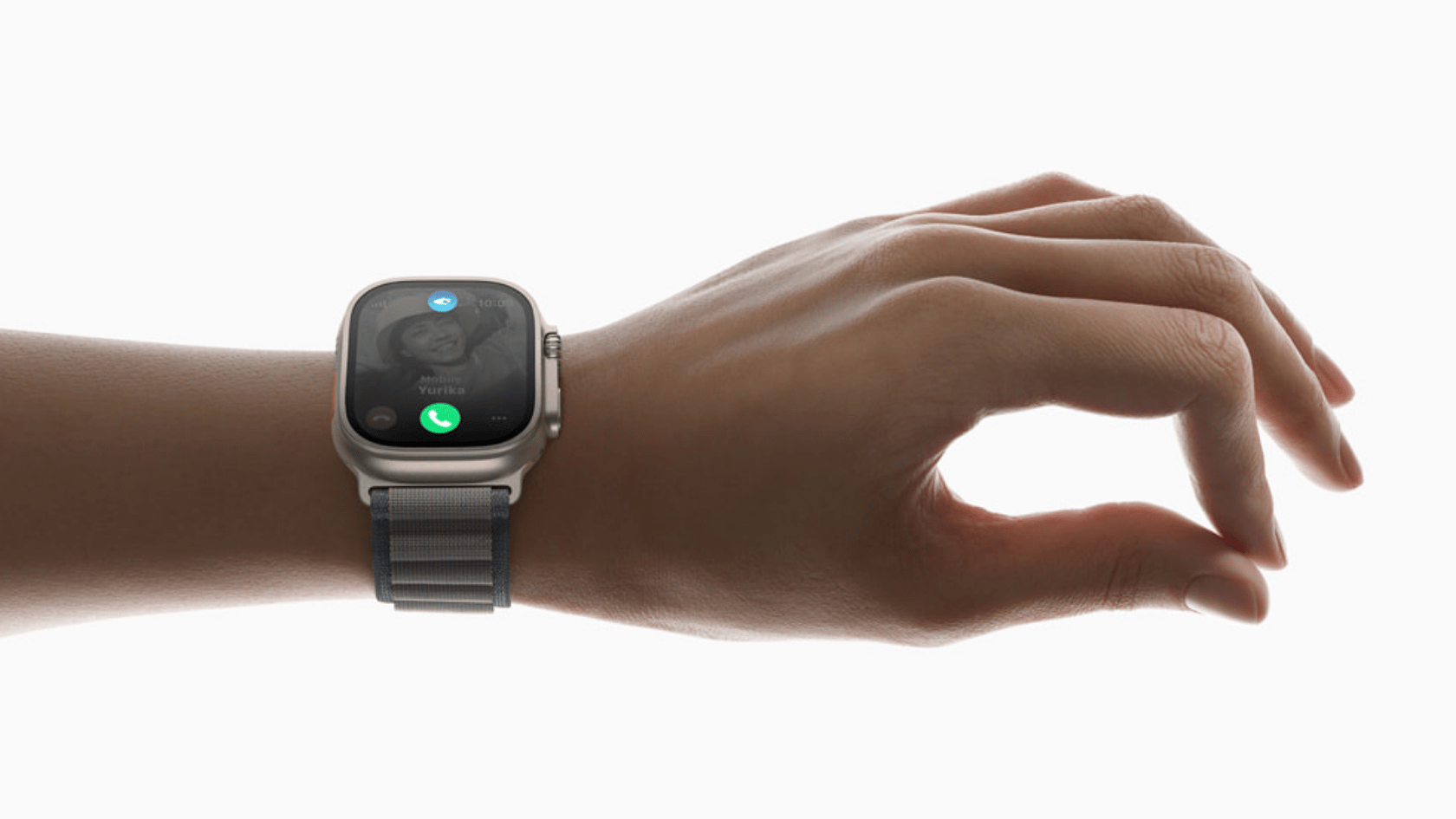
Apple Watch Ultra 2 features work best when set up correctly for accurate tracking and smooth performance across different conditions.
- Set up cellular correctly for calls and messages without an iPhone.
- Use On-Device Siri for quick logs and directions.
- Keep Precision Finding active for locating nearby iPhone.
- Adjust microphone settings to reduce wind noise outdoors.
- Fully charge before long use for steady performance.
Proper setup keeps Apple Watch Ultra 2 features consistent and reliable during workouts, travel, and everyday use.
Safety Features
Apple Watch Ultra 2 features focus on safety tools that help during emergencies and unexpected situations. Apple Watch Ultra 2 features support quick alerts and fast response using built-in sensors and cellular connectivity.
- 86-decibel emergency siren with up to 180m range
- Fall detection for sudden drops or impacts
- Crash detection for severe accidents
- International Emergency SOS via cellular
These Apple Watch Ultra 2 features improve safety by enabling fast help when it matters most.
Who Should Buy the Apple Watch Ultra 2?
Apple Watch Ultra 2 features are designed for users who need strong performance, reliable tracking, and advanced tools for outdoor and fitness use.
Best fit users:
- Runners needing stable GPS accuracy
- Swimmers and divers using water and depth features
- Hikers and triathletes relying on navigation tools
Not ideal for:
- Users preferring a smaller, lighter smartwatch
- Basic users who only need simple fitness tracking
Apple Watch Ultra 2 features justify the higher price compared to Apple Watch Series 11 when users need advanced durability, longer battery life, and stronger outdoor performance.
Conclusion
Apple Watch Ultra 2 features cover fitness, safety, GPS, and durability for daily and outdoor use. It suits users needing more than basic smartwatch functions.
Match features with real needs like workouts, travel, and battery life before buying. Apple Watch Ultra 2 features perform best during real activities like running, swimming, hiking, and traveling.
Share your thoughts in the comments on whether these features match your daily routine.
Frequently Asked Questions
Does Apple Watch Ultra 2 Work without an iPhone Nearby?
Yes, it supports built-in cellular, so calls, messages, and music can work independently without an iPhone connection.
Does the Watch Support Third-Party Fitness Apps?
Yes, it works with many popular fitness and health apps available on watchOS for tracking workouts and activities.
How Accurate is the GPS in Crowded City Areas?
It uses dual-frequency GPS, which improves accuracy even in areas with tall buildings or signal interference.