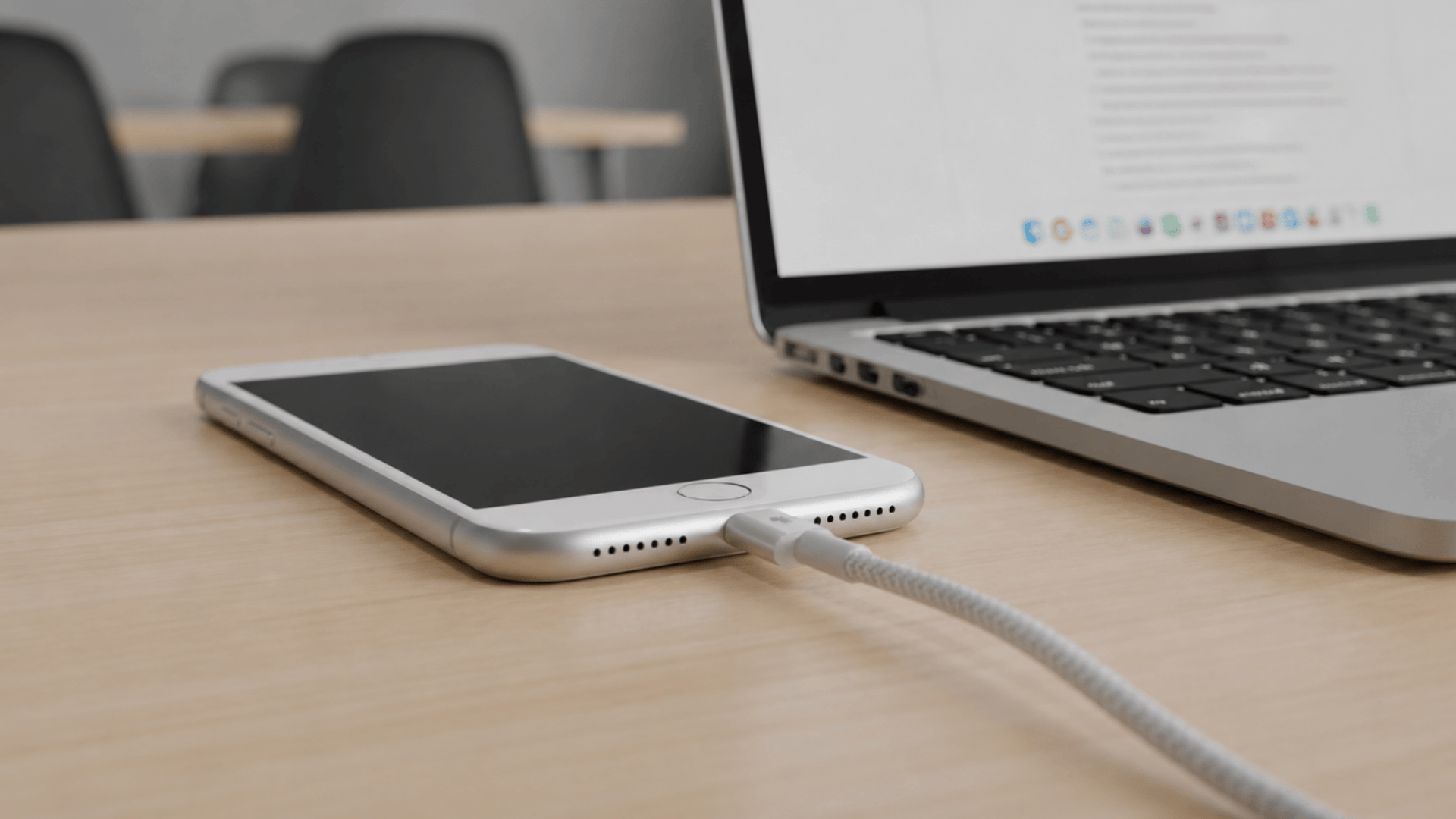
You reach for your iPhone charger every single day, but have you ever stopped to think about the small plug at the end of that cable?
That plug is the Lightning connector, and it is one of the most used pieces of hardware Apple has ever made.
Most people only notice it when something goes wrong. The cable stops charging, the port feels loose, or an error message pops up out of nowhere.
Here you will learn exactly what the Lightning connector is, how it works, which devices use it, and how to avoid the most common problems that come with it.
What Is the Lightning Connector?
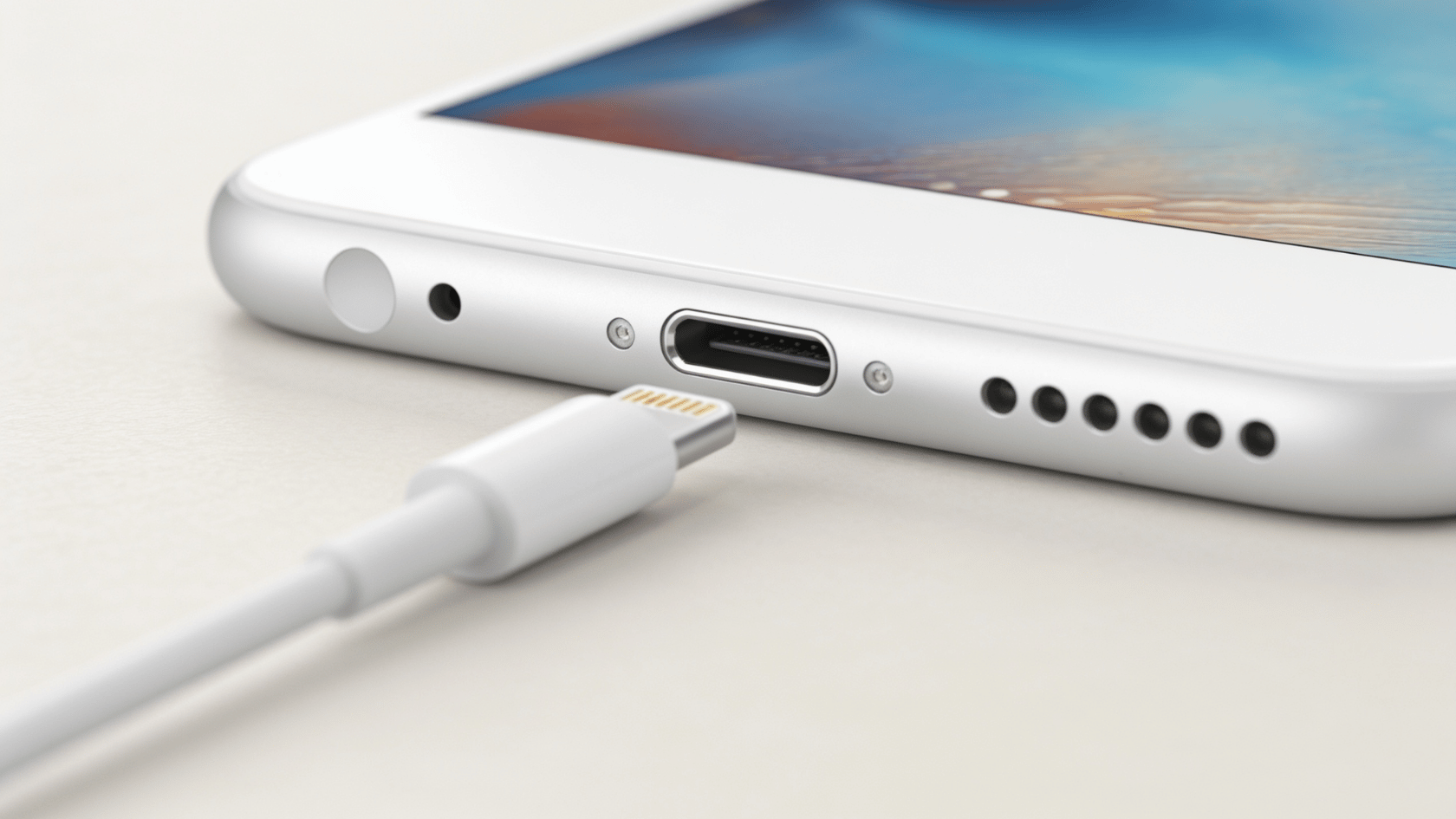
The Lightning connector is a small, proprietary plug made by Apple used to charge devices and transfer data.
Apple introduced it in 2012 with the iPhone 5 as a replacement for the older, bulkier 30-pin dock connector.
It features 8 pins, fits either way up, and works exclusively with Apple devices. If you own an iPhone from the iPhone 5 through the iPhone 14, you have used one.
Technical Specifications of Lightning Connector
Before comparing it to other connectors, it helps to know exactly what the Lightning connector is built to handle. Here is a quick look at its core specs:
| Feature | Details |
|---|---|
| Pin Count | 8 pins |
| Data Transfer Speed | Up to USB 2.0 (~480 Mbps) |
| Power Output | Up to 12W (5V at 2.4A) |
| Reversible | Yes |
| Proprietary | Yes (Apple only) |
| Authentication | MFi chip required |
These specs were solid when Lightning launched in 2012. But over time, USB-C has pushed far beyond what Lightning can offer in both speed and power delivery.
Brief History of the Lightning Connector

Apple introduced the Lightning connector in September 2012, right alongside the iPhone 5. It replaced the old 30-pin dock connector that had been around since 2003.
The goal was simple: make it smaller, faster, and more durable. And compared to the bulky 30-pin plug, it was a clear step forward.
The name comes from Apple’s weather-themed naming style, just like Thunderbolt. After launch, it quickly spread across iPhones, iPads, iPods, and accessories like AirPods charging cases.
How Does the Lightning Connector Work?
The Lightning connector has a smart internal design that handles both charging and data transfer through a single compact plug. Here is how it works:
- Reversible 8-Pin Layout: It uses 8 pins, with each front pin mirroring the back, so either side goes in on the first try.
- Built-In Authentication Chip: A small MFi chip inside confirms whether the cable is certified and safe for your Apple device.
- Dual Signal Paths: Data moves through two signal paths controlled by the internal chip, keeping transfers stable.
- Single Port, Two Jobs: The same port handles both power delivery and data transfer simultaneously.
- Blocks Uncertified Cables: The chip detects and blocks non-MFi cables, which is why you sometimes see the “accessory not supported” error.
Using a certified cable matters more than most people realize. A cheap, uncertified one skips the chip entirely and often causes charging or syncing problems.
Which Apple Devices Use the Lightning Port?
Apple used the Lightning port across a wide range of its devices for over a decade. Take a look at the full category breakdown:
- iPhones: iPhone 5 through iPhone 14 series
- iPads: iPad (up to 9th gen), iPad mini (up to 5th gen), iPad Air (up to 4th gen)
- iPods: iPod touch (7th gen)
- Accessories: AirPods cases (1st & 2nd gen), Apple Pencil (1st gen), Magic Keyboard, Magic Mouse, Magic Trackpad
iPhone 15 and newer no longer use Lightning. Apple switched the entire iPhone lineup to USB-C in 2023.
Lightning Connector vs. USB-C: Key Differences
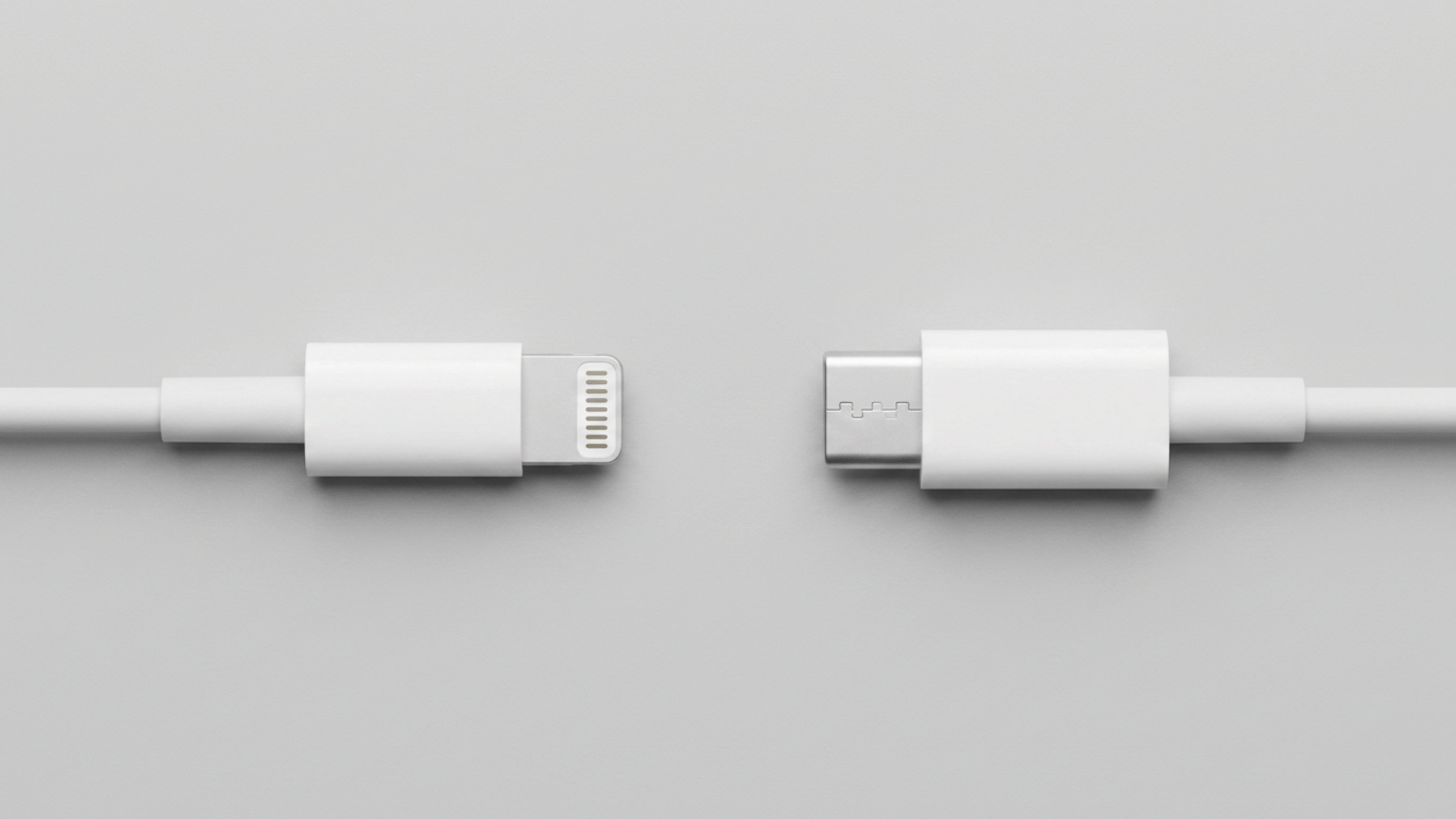
If you have ever wondered how Lightning compares to USB-C, here is a straightforward side-by-side breakdown:
| Feature | Lightning | USB-C |
|---|---|---|
| Standard | Apple only | Universal |
| Max Speed | ~480 Mbps (USB 2.0) | Up to 40 Gbps (Thunderbolt) |
| Max Power | ~12W | 100W+ |
| Reversible | Yes | Yes |
| Current Status | Being phased out | Industry standard |
One thing worth noting is that Lightning was actually ahead of its time with reversibility back in 2012. But USB-C has since pulled far ahead on speed, power, and universal compatibility.
Why Did Apple Eventually Move Away From Lightning?
Apple held on to Lightning for years, but a few key factors made the switch to USB-C unavoidable.
- European legislation required all mobile devices to use USB-C as a common charging standard by 2024.
- USB-C’s faster speeds and higher power delivery have become necessary for modern devices.
- A universal cable that works across all devices simply makes more practical sense for everyday users.
- Apple resisted for years, citing Lightning’s reliability and the disruption to its accessory ecosystem.
Once the iPhone 15 launched in 2023, Lightning’s run as Apple’s main connector officially came to an end.
Common Lightning Port Issues
Even a reliable port like Lightning can run into a few common problems. Here is what to watch out for and how to fix it fast.
1. Liquid Detection Alert
Your iPhone can detect moisture inside the Lightning port and will automatically stop charging to prevent damage.
If this happens, leave it to air dry completely before plugging anything back in.
2. Debris Buildup
Lint from your pocket slowly collects inside the port and is one of the most common causes of charging issues.
Clean it out with a soft, dry brush and never use anything metal inside the port.
3. Slow Charging
A low-wattage adapter quietly limits how fast your device charges without any warning.
Pair your Lightning cable with at least an 18W adapter to get noticeably faster charging speeds.
4. Uncertified Cables
Seeing an “accessory not supported” message on your screen almost always points to a non-MFi-certified cable.
Swap it out for a certified one, and the problem typically goes away right away.
Conclusion
The Lightning connector served Apple users well for over a decade, and millions of devices still rely on it today.
Now that you know what the Lightning connector is, how it works, and what problems to watch out for, you are in a much better position to take care of your device and cables.
Always use MFi-certified cables, keep your port clean, and you will avoid most of the common issues covered here.
Got a question about your Lightning port or cable? Drop it in the comments below.
Frequently Asked Questions
Is the Lightning Connector Still Relevant?
Yes, millions of older iPhones, iPads, and accessories like AirPods cases still use it.
How Long Does a Lightning Cable Typically Last?
A good quality MFi-certified Lightning cable can last one to two years with regular use. Cheap, uncertified cables tend to fray or stop working much sooner.
Is it Safe to Leave a Lightning Cable Plugged in Overnight?
Yes, modern iPhones have built-in charging management that slows down charging once the battery reaches 100%.